
Perspective Transcribe
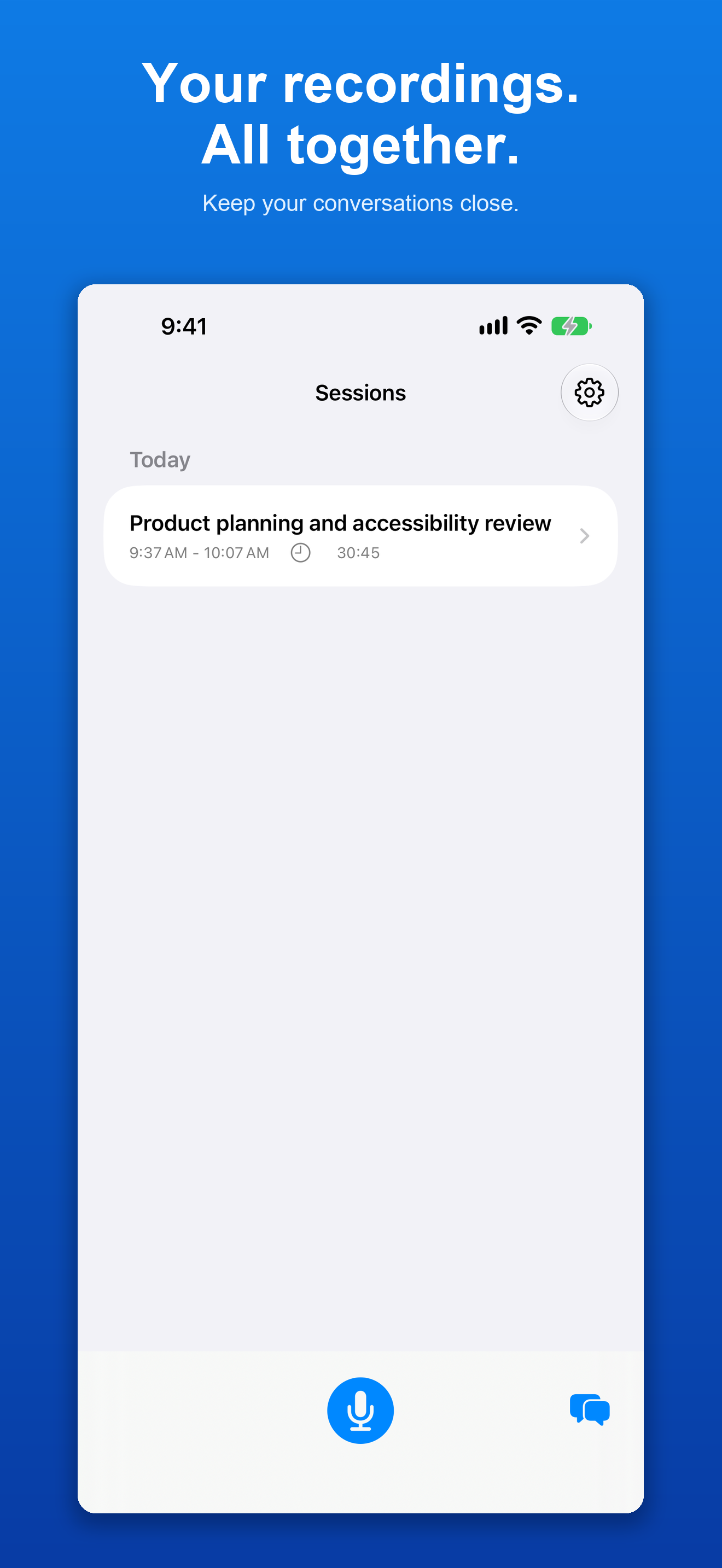
Perspective Transcribe brings private recording, transcription, summaries, and chat to your iPhone, iPad, and Mac, with recording on Apple Watch. Turn meetings, lectures, interviews, and everyday conversations into readable text and useful information you can return to later.

See It in Action


What's New
Version 2.1 ·
This update includes bug fixes and expanded Siri integration for your saved transcripts and recording summaries. Find and open transcripts and summaries with Siri and Shortcuts, and make saved content available for questions in Siri. Access saved summaries with key points and action items. A new Siri & Search settings page lets you check indexing status and rebuild your index. Siri transcript and summary access requires iOS 27 or iPadOS 27 or later and Perspective Intelligence All Access. Siri availability depends on your device and system settings.
Features
Record Across Your Apple Devices
Record on iPhone, iPad, Mac, or Apple Watch. Pause and resume as needed, then review the transcript when processing finishes.
On-Device Transcription
Turn speech into searchable text. Use the standard option for everyday recordings or choose Whisper for difficult audio, such as background noise, accents, or distant voices.
Summaries and Key Points
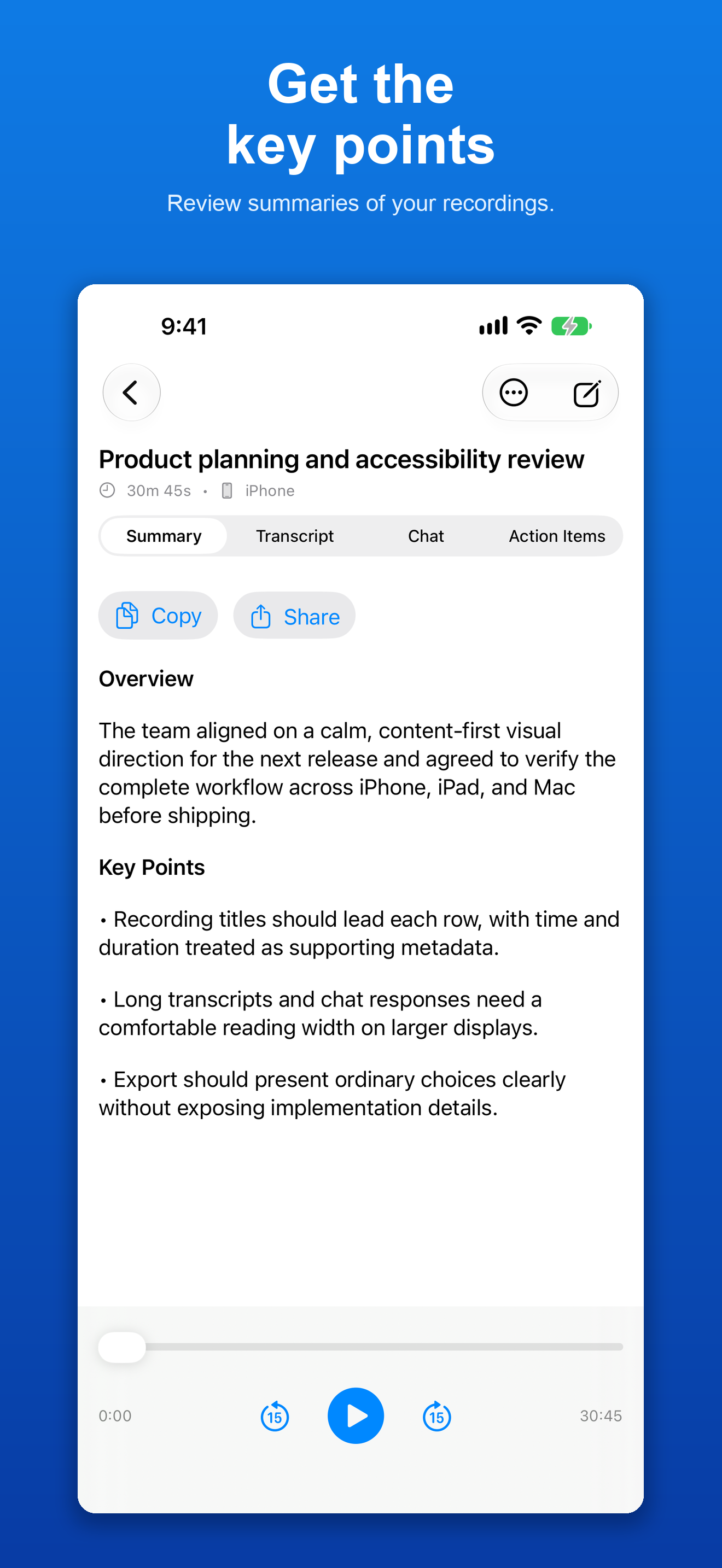
Get an overview of your recording and revisit the important points without reading the entire transcript.
Chat with Your Recordings
Ask questions about a recording or explore conversations across a date range or your full history. Find decisions, details, and ideas in your saved transcripts.
Playback and Sharing
Listen again with playback speed controls. Copy text, share a summary, or export transcripts as Text, Markdown, Word, or PDF. Export your original audio when you need it.
iCloud Sync
Keep recordings, transcripts, and summaries together across your Apple devices using your private iCloud account.
Shortcuts and Accessibility
Start and stop recordings with Shortcuts. Use an interface designed for VoiceOver, Dynamic Type, keyboard navigation, and spoken status updates.
All Access
More with one subscription
Speaker Identification
Follow who said what with separate speaker labels in your transcripts.
Saved Speakers
Name detected voices and save speakers so their names can be reused in other recordings.
Quick Capture on Mac
Choose an app and assign a keyboard shortcut to capture its audio together with your microphone.
Audio Import
Bring existing audio into Perspective Transcribe from Files, the share sheet, or other apps for transcription.
Action Items and Reminders
Find tasks and follow-ups in recordings, mark them complete, and add them to Apple Reminders.